
 GBP

Windows PC · SteamSteam
Your squad
Can your group play together?
Select as many platforms as your group needs. Selections stay active while you open another device type.
Choose at least two platforms
We’ll check every selected platform against every other selected platform.
Partial compatibilityChoose platforms
Evidence-backed compatibility guide
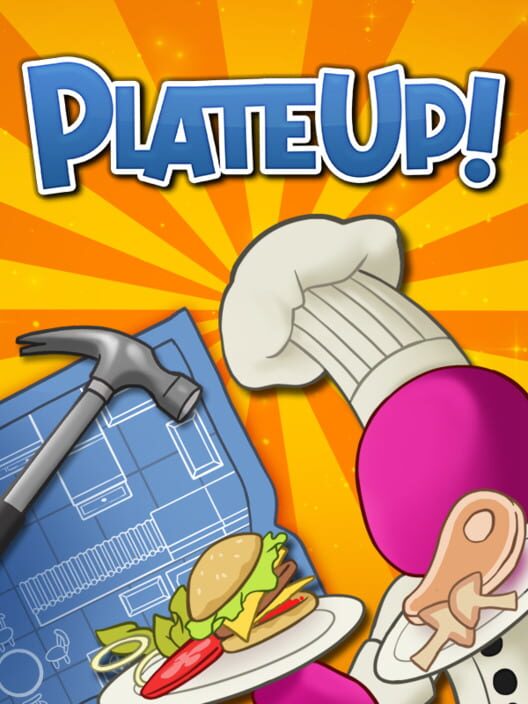
PlateUp!
Is PlateUp! cross-platform? Partly. Epic, Microsoft Store and Steam play together after setup. Microsoft Store, Xbox One and Xbox Series play together after setup. PS4 and PS5 play together. Switch is separate.
Hectic single-player and co-op restaurant management: cook and serve your dishes, upgrade and customise your restaurants, and expand your culinary kingdom with each procedurally-generated location. Work together to cook food, deal with customers, and serve drinks - or do it all yourself!
Crossplay scopePartial compatibility Cross-progressionNot documented Max players 2 Critic score · IGDBNot rated
Availability
Where PlateUp! is available
Storefront, generation and edition remain separate because buying a different copy can change who you can join.
PC storefronts3 verified copies

Windows PC · Epic Games StoreEpic Games Store

Windows PC · Microsoft StoreMicrosoft Store
Console editions4 verified copies

Xbox OneXbox

Xbox Series X|SXbox

PlayStation 4PlayStation Store

PlayStation 5PlayStation Store
Handheld editions1 verified copy

Nintendo SwitchNintendo eShop
Exact pair answers
Crossplay compatibility matrix
Definitive answers use first-party evidence. Likely and unlikely answers show the direction of the available evidence when definitive confirmation is unavailable.
SupportedSetup requiredNot SupportedLikelyUnlikely
Who can play together
Multiplayer pools
Each box shows a group of releases that can play together.
Pool 01Can play after setup
Windows PC · Epic Games StoreWindows PC · Microsoft StoreWindows PC · Steam
Complete the required setup before playing together.
Pool 02Can play after setup
Windows PC · Microsoft StoreXbox OneXbox Series X|S
Complete the required setup before playing together.
Pool 03Can play together
PlayStation 4PlayStation 5
These versions can play together.
Common questions
PlateUp! FAQ
Short answers to common crossplay queries.
Is PlateUp! crossplay?
PlateUp! has separate networking pools: Steam can opt into Photon for PC-store crossplay, while Microsoft Store PC shares an Xbox-family pool.
Can PS5 and PC play PlateUp! together?
No. The PS5 and PC versions can't play together.
Can PS5 and Xbox play PlateUp! together?
No. The PS5 and Xbox versions can't play together.
Can PS5 and Switch play PlateUp! together?
No. The PS5 and Switch versions can't play together.
Can PC and Xbox play PlateUp! together?
Only some versions. Microsoft Store can play with Xbox One and Xbox Series. Other combinations can't.
Can PC and Switch play PlateUp! together?
No. The PC and Switch versions can't play together.
Can Xbox and Switch play PlateUp! together?
No. The Xbox and Switch versions can't play together.
Which PlateUp! versions can play together?
Windows PC · Epic Games Store, Windows PC · Microsoft Store, Windows PC · Steam can play together after the required setup. Windows PC · Microsoft Store, Xbox One, Xbox Series X|S can play together after the required setup. PlayStation 4, PlayStation 5 can play together.
Does PlateUp! support cross-progression?
No sourced cross-progression or cross-save claim is currently attached to this guide.
How current is this PlateUp! crossplay guide?
The guide was last checked on 2026-10-21. Compatibility can change after patches, new editions or network migrations, so each published claim remains tied to its cited evidence and verification date.
More options for your group
Similar crossplay games
Popular games with related genres and themes.
No platforms or party size selected. Recommended games may not be compatible across all platforms
Your squad
Can your group play together?
Select as many platforms as your group needs. Selections stay active while you open another device type.
Choose at least two platforms
We’ll check every selected platform against every other selected platform.
Overcooked! 2
Partial compatibility SimulatorStrategyTacticalIndie
7 Days to Die
Setup required ShooterRole-playing (RPG)SimulatorStrategy
Don’t Starve Together
No compatibility SimulatorStrategyAdventureIndie

Overcooked! All You Can Eat
Partial compatibility SimulatorStrategyIndieComedy
Real Time Strategy (RTS)SimulatorStrategyIndie
Space Engineers
Setup required SimulatorStrategyAdventureIndie
Stardew Valley
Partial compatibility Role-playing (RPG)SimulatorStrategyAdventure
Goose Goose Duck
Full compatibility StrategyIndieActionSurvival
ARK: Survival Ascended
Full compatibility ShooterRole-playing (RPG)SimulatorAdventure
Core Keeper
Partial compatibility Role-playing (RPG)SimulatorAdventureIndie
Deep Dish Dungeon
Full compatibility Role-playing (RPG)StrategyIndieAction

EA SPORTS Madden NFL 27
Partial compatibility SimulatorSportStrategyAction

Football Manager 2022
Partial compatibility SimulatorSportStrategyBusiness

Hell Let Loose: Vietnam
Full compatibility ShooterSimulatorStrategyAction
Human Fall Flat
Partial compatibility PlatformPuzzleSimulatorAdventure
No Man’s Sky
Partial compatibility ShooterSimulatorAdventureIndie
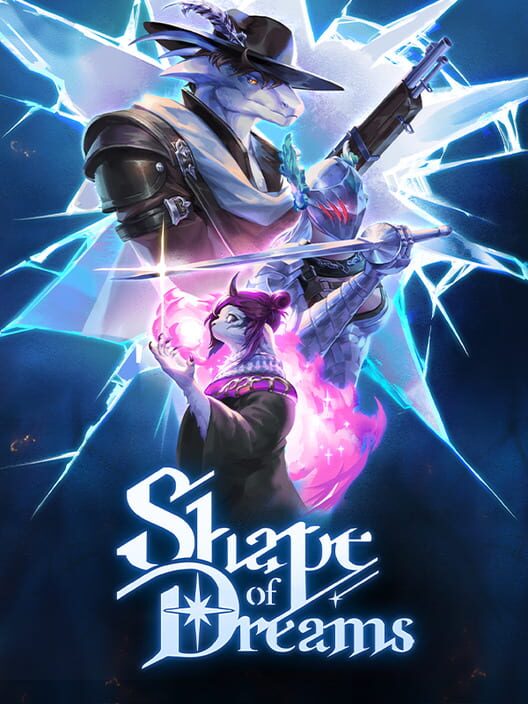
Shape of Dreams
Setup required Role-playing (RPG)StrategyTacticalHack and slash/Beat 'em up

The Forest
No compatibility PuzzleSimulatorAdventureIndie
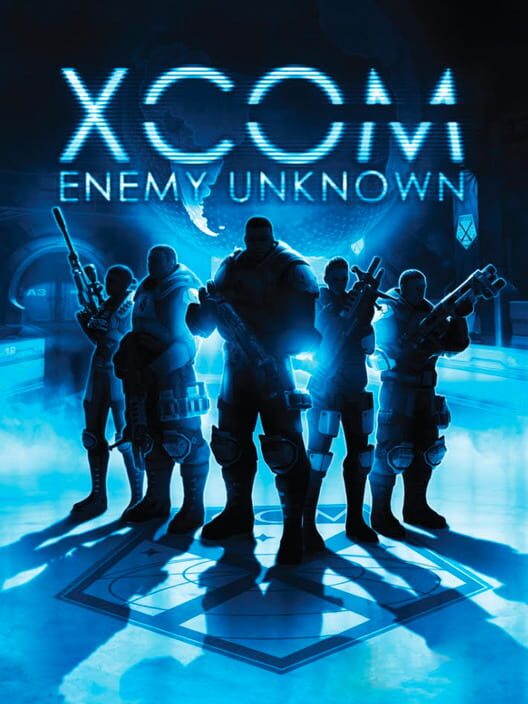
XCOM: Enemy Unknown
No compatibility Role-playing (RPG)SimulatorStrategyTurn-based strategy (TBS)
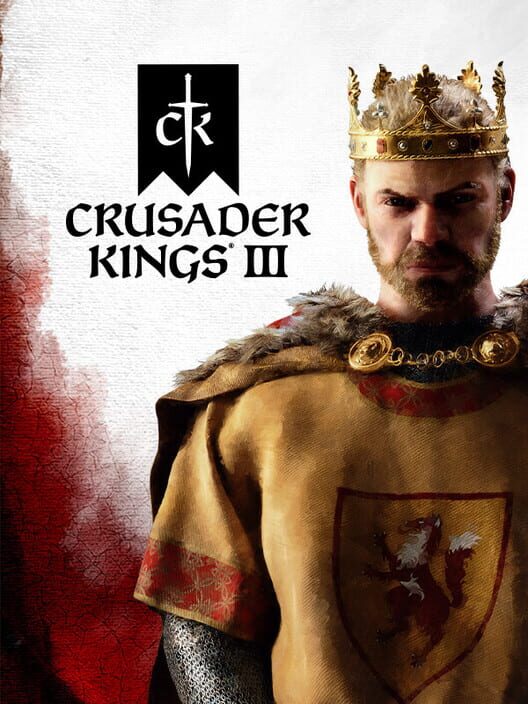
Crusader Kings III
Setup required Role-playing (RPG)SimulatorStrategyHistorical
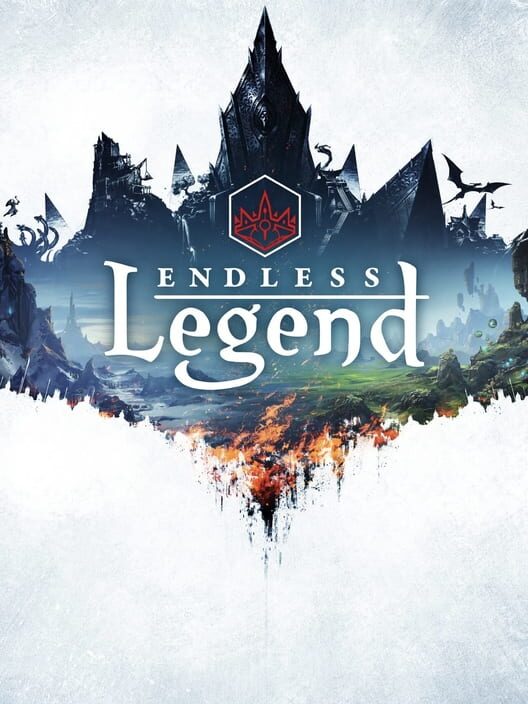
ENDLESS Legend
Likely Role-playing (RPG)StrategyTurn-based strategy (TBS)Indie
ENDLESS Legend 2
No compatibility Role-playing (RPG)SimulatorStrategyTurn-based strategy (TBS)

Football Manager 2024
Partial compatibility SimulatorSportStrategyNon-fiction

Football Manager 26
Partial compatibility SimulatorSportStrategy
Lightyear Frontier
Full compatibility SimulatorAdventureIndieSandbox
Satisfactory
Partial compatibility SimulatorStrategyAdventureScience fiction
Sid Meier's Civilization VI
Partial compatibility SimulatorStrategyTurn-based strategy (TBS)Fantasy
Sid Meier's Civilization VII
Setup required SimulatorStrategyTurn-based strategy (TBS)Tactical
Starsand Island
No compatibility Role-playing (RPG)SimulatorAdventureIndie
Waterpark Simulator
No compatibility SimulatorIndieComedySandbox
Yu-Gi-Oh! Master Duel
Full compatibility SimulatorStrategyCard & Board GameFantasy
Chained Beasts
Full compatibility Hack and slash/Beat 'em upIndieActionParty
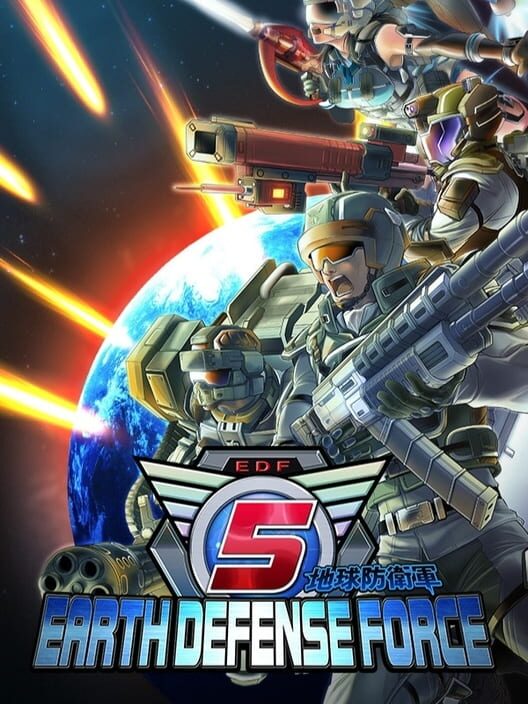
Earth Defense Force 5
No compatibility ShooterStrategyActionScience fiction
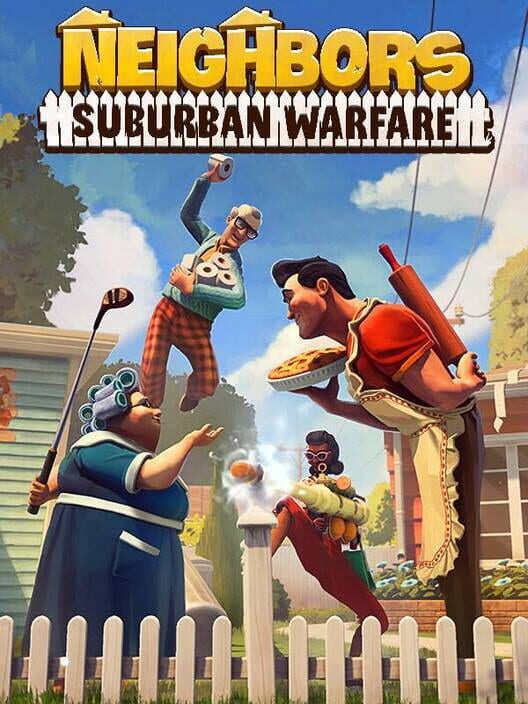
Neighbors: Suburban Warfare
Full compatibility ShooterIndieActionParty
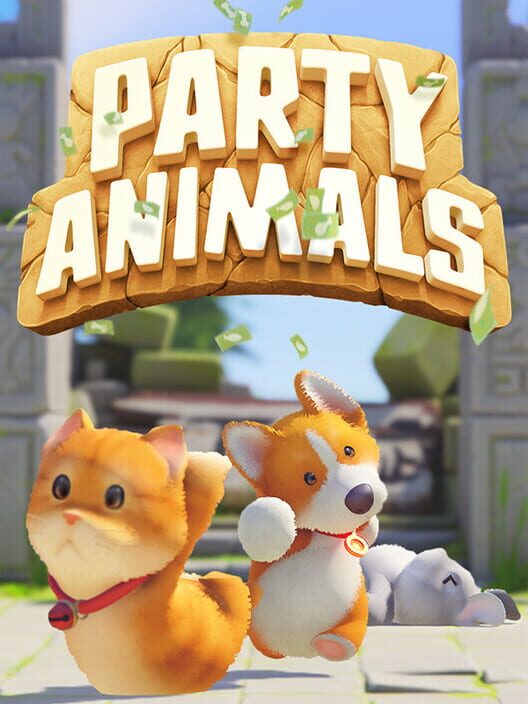
Party Animals
Full compatibility FightingRole-playing (RPG)AdventureIndie
ACE COMBAT 8: WINGS OF THEVE
Full compatibility ShooterSimulatorArcadeAction
Active Matter
Likely ShooterSimulatorTacticalAction
Arena Breakout: Infinite
Full compatibility ShooterStrategyTacticalAction
Baldur's Gate 3
Setup required Role-playing (RPG)StrategyTurn-based strategy (TBS)Adventure
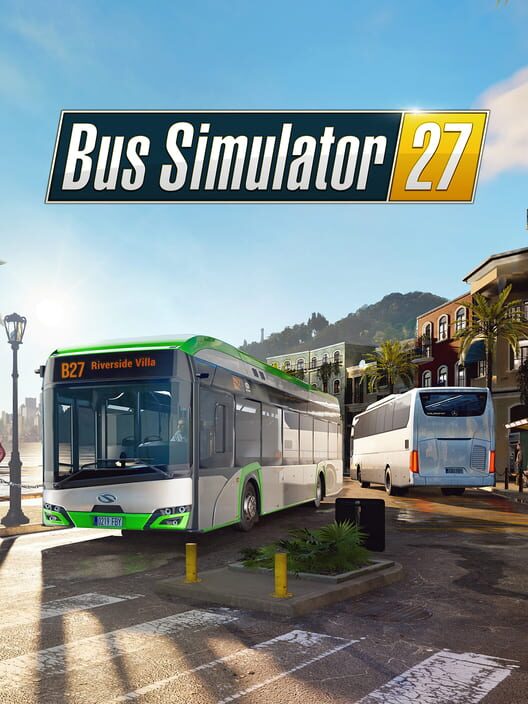
Bus Simulator 27
Full compatibility SimulatorAdventureBusinessSandbox
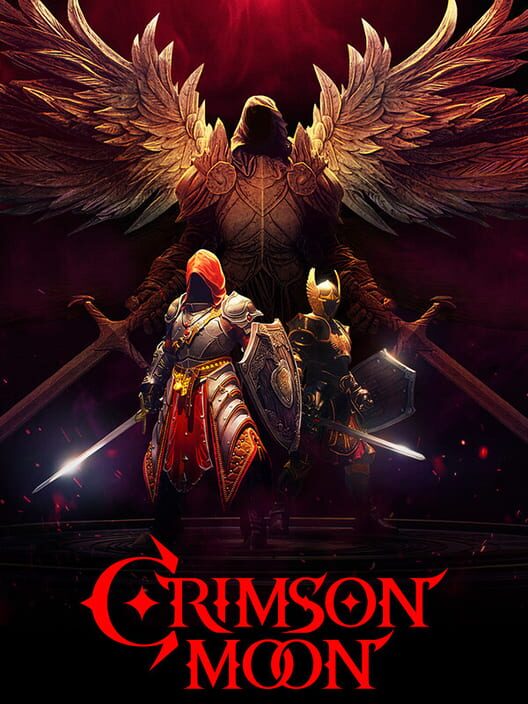
Crimson Moon
Full compatibility Role-playing (RPG)AdventureIndieAction
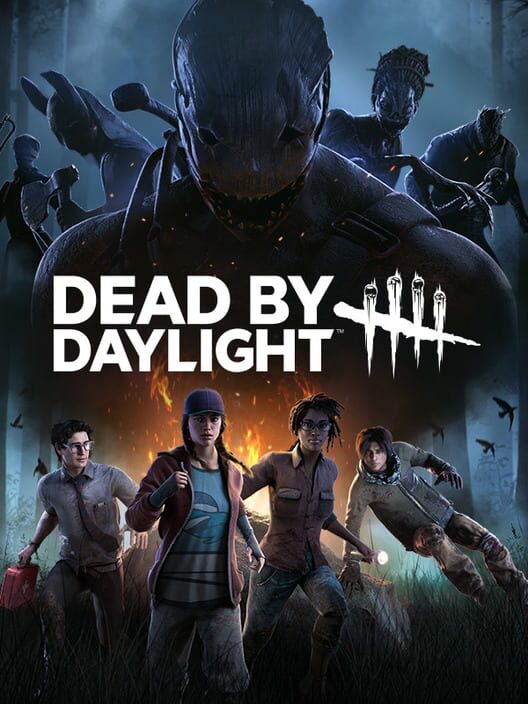
Dead by Daylight
Full compatibility StrategyActionHorrorSurvival
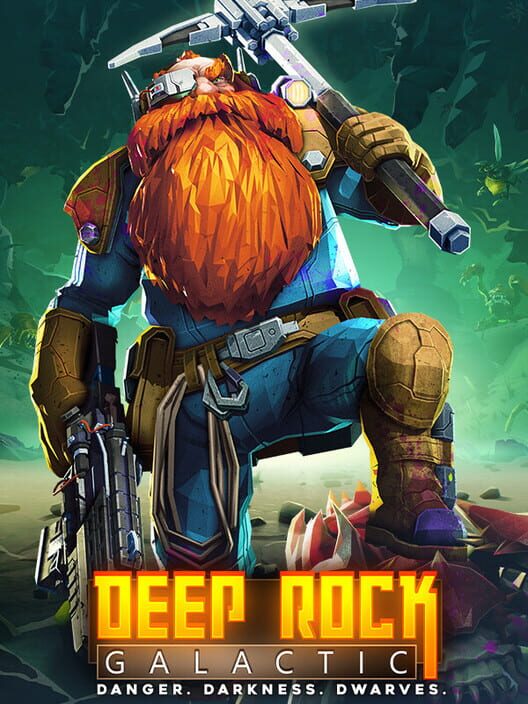
Deep Rock Galactic
Partial compatibility ShooterAdventureIndieAction
Farming Simulator 22
Full compatibility SimulatorBusinessSandboxOpen world
Farming Simulator 25
Full compatibility SimulatorBusinessSandboxOpen world

Football Manager 2023
Partial compatibility SimulatorSportBusiness

Forza Horizon 6
Full compatibility RacingSimulatorSportArcade

Kernel Hearts
Partial compatibility Role-playing (RPG)Hack and slash/Beat 'em upAdventureIndie
LIZARDS MUST DIE 2
Likely Hack and slash/Beat 'em upIndieActionFantasy
Marvel Rivals
Full compatibility ShooterRacingRole-playing (RPG)Strategy
Neon Abyss 2
Partial compatibility Role-playing (RPG)AdventureIndieAction
No More Room in Hell 2
Full compatibility ShooterIndieActionHorror
Once Human
Full compatibility ShooterRole-playing (RPG)StrategyAdventure
Overwatch 2
Setup required ShooterStrategyActionScience fiction
Permafrost
No compatibility Role-playing (RPG)SimulatorAdventureAction
Phasmophobia
Full compatibility PuzzleTacticalIndieAction
Risk of Rain 2
Full compatibility ShooterAdventureIndieAction

Rocket League
Full compatibility RacingSportIndieAction
RV There Yet?
Full compatibility AdventureIndieActionComedy
Scramble Knights Online
Full compatibility AdventureIndieAction
Sea of Thieves
Full compatibility SimulatorAdventureActionFantasy
SpeedRunners 2: King of Speed
Full compatibility FightingRacingSportIndie
Storebound
Setup required AdventureIndieActionHorror
The Binding of Isaac: Rebirth
No compatibility ShooterPuzzleRole-playing (RPG)Adventure
The Lord of the Rings: War in the North - Legacy Edition
Partial compatibility Role-playing (RPG)StrategyHack and slash/Beat 'em upAdventure

The Outlast Trials
Full compatibility AdventureIndieActionHorror
Tom Clancy's The Division
No compatibility ShooterRole-playing (RPG)StrategyTactical
Total War: WARHAMMER II
No compatibility Real Time Strategy (RTS)StrategyActionFantasy
Total War: WARHAMMER III
Partial compatibility Real Time Strategy (RTS)StrategyActionFantasy
Vampire Survivors
Partial compatibility Role-playing (RPG)AdventureIndieArcade
War Thunder
Full compatibility ShooterSimulatorTacticalAction
Warhammer 40,000: Darktide
Likely ShooterRole-playing (RPG)AdventureIndie
Warhammer: Vermintide 2
Partial compatibility ShooterRole-playing (RPG)AdventureIndie

Way of the Hunter 2
No compatibility ShooterSimulatorAdventureAction
We Were Here Tomorrow
Full compatibility PuzzleAdventureIndieAction
World of Warships
Full compatibility ShooterReal Time Strategy (RTS)SimulatorTactical
Age of Empires IV: Anniversary Edition
Setup required Real Time Strategy (RTS)StrategyHistoricalWarfare

Divinity: Original Sin 2
Partial compatibility Role-playing (RPG)StrategyAdventureFantasy
EA SPORTS FC 24
Partial compatibility SimulatorSportNon-fiction

EA SPORTS FC 25
Partial compatibility SimulatorSportNon-fiction

EA SPORTS FC 26
Partial compatibility SimulatorSportNon-fiction

EA SPORTS FC™ 27
Partial compatibility SimulatorSportNon-fiction

EA SPORTS FIFA 23
Partial compatibility SimulatorSportNon-fiction

Football Manager 2021
Partial compatibility SimulatorSport
MXGP 26: The Official Game
No compatibility RacingSimulatorSportNon-fiction
Seafarer: The Ship Sim
Likely Simulator


Aliens: Fireteam Elite 2
Full compatibility ShooterActionScience fictionHorror

Apex Legends
Full compatibility ShooterTacticalActionScience fiction
ARC Raiders
Setup required ShooterActionScience fiction
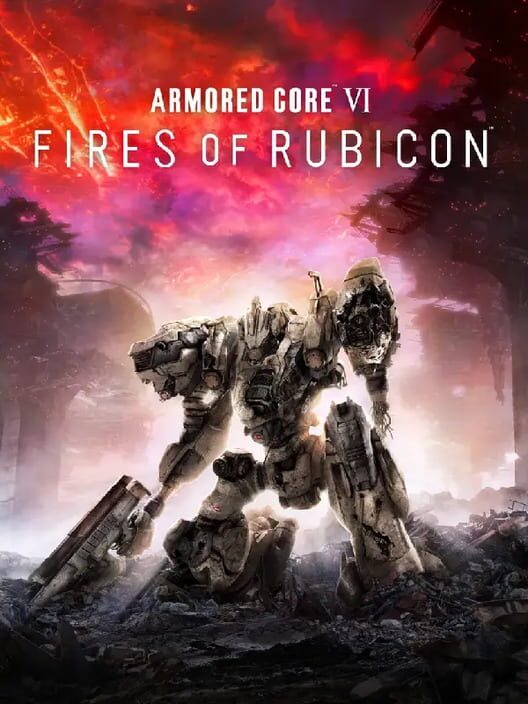
ARMORED CORE VI FIRES OF RUBICON
Partial compatibility ShooterActionScience fiction
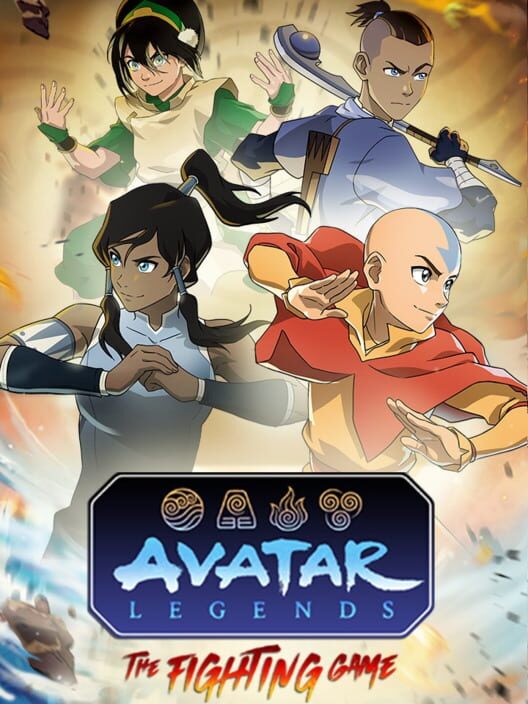
Avatar Legends: The Fighting Game
Full compatibility FightingActionFantasy
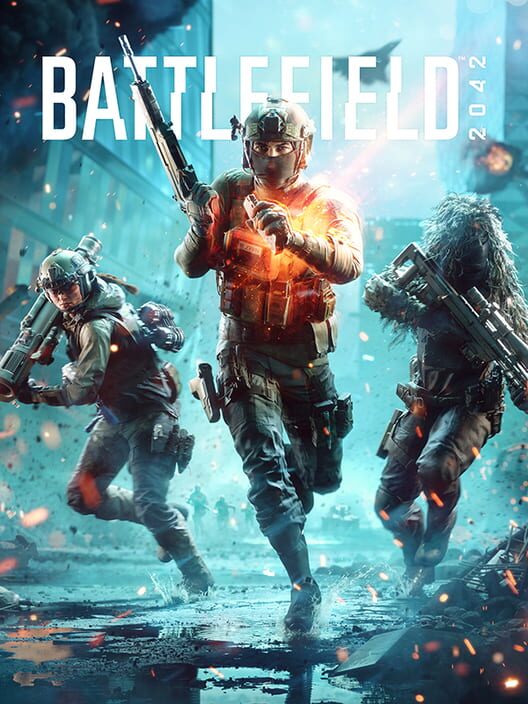
Battlefield 2042
Partial compatibility ShooterActionWarfare
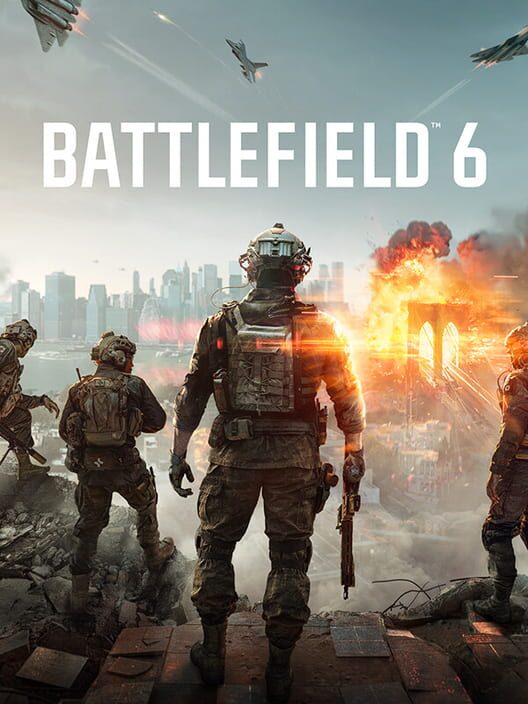
Battlefield 6
Setup required ShooterActionWarfare
Battlefield V
No compatibility ShooterActionHistoricalWarfare
Role-playing (RPG)AdventureActionFantasy
Borderlands 2
Partial compatibility ShooterRole-playing (RPG)ActionScience fiction
Borderlands 3
Full compatibility ShooterRole-playing (RPG)AdventureAction
Borderlands 4
Full compatibility ShooterRole-playing (RPG)AdventureAction
Borderlands: The Pre-Sequel
Partial compatibility ShooterRole-playing (RPG)ActionScience fiction
Call of Duty: Black Ops II
Partial compatibility ShooterActionScience fictionWarfare
Call of Duty: Modern Warfare 4
Full compatibility ShooterActionWarfare
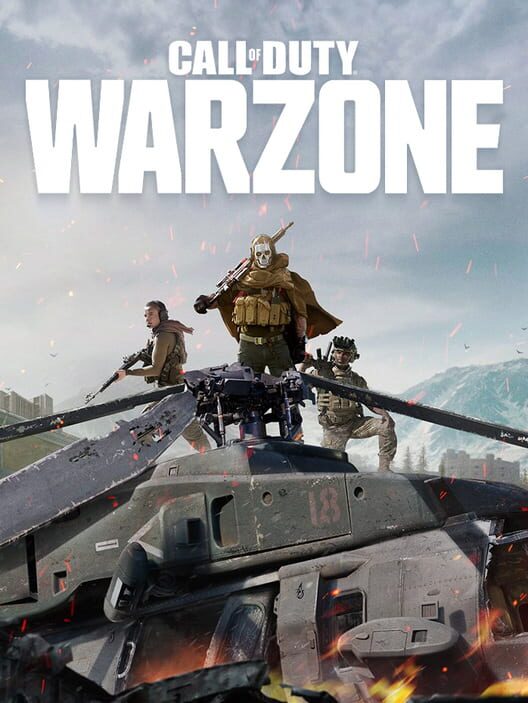
Call of Duty: Warzone
Setup required ShooterActionWarfare
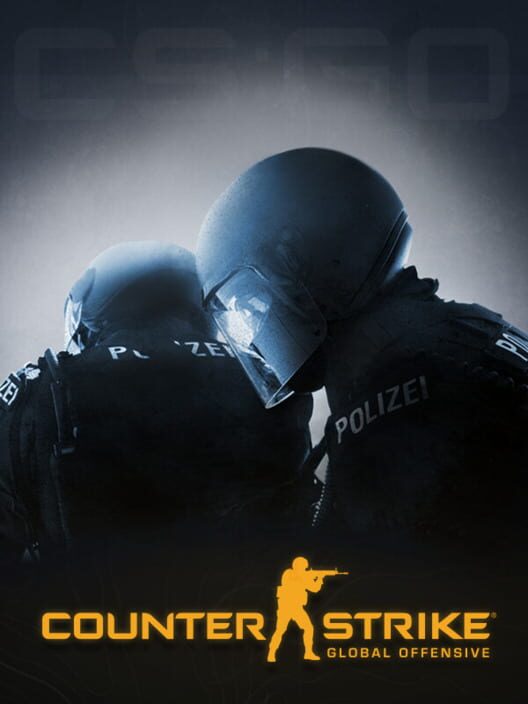
Counter-Strike: Global Offensive
No compatibility ShooterTacticalActionWarfare
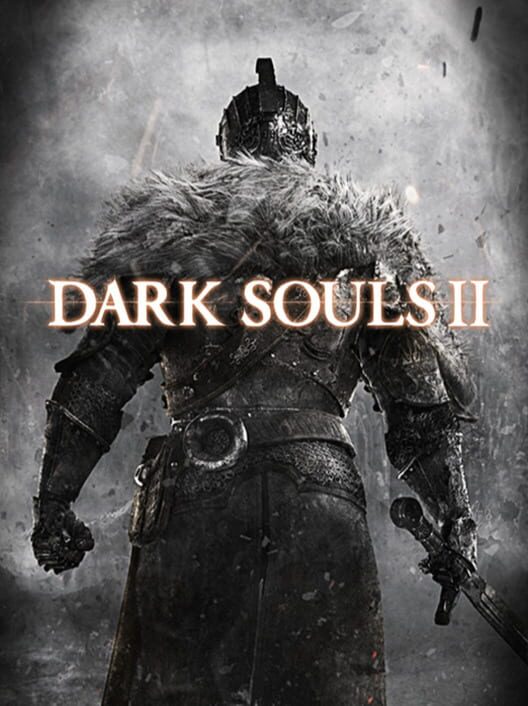
Dark Souls II
No compatibility Role-playing (RPG)AdventureActionFantasy
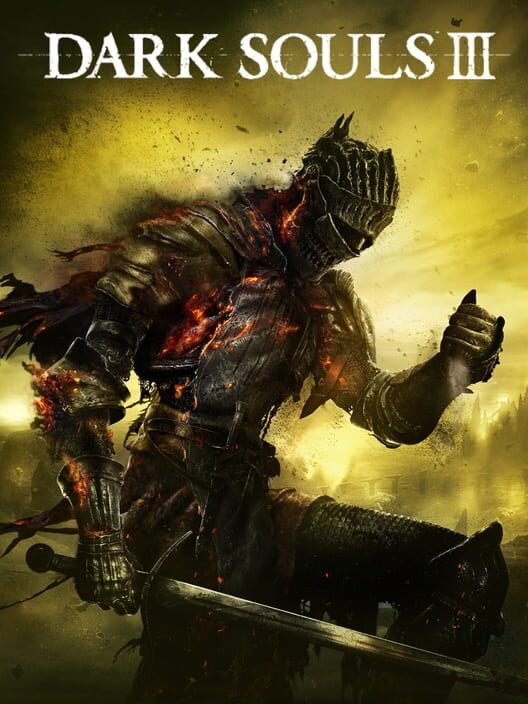
DARK SOULS III
No compatibility Role-playing (RPG)AdventureActionFantasy
Dead Island 2
Partial compatibility ShooterRole-playing (RPG)Hack and slash/Beat 'em upAdventure
Dead Party
Likely ShooterAction
Delta Force
Full compatibility ShooterTacticalActionNon-fiction
Devil May Cry 5
No compatibility Hack and slash/Beat 'em upAdventureActionFantasy
DOOM Eternal
Partial compatibility ShooterActionFantasyScience fiction
DRAGON BALL: Sparking! ZERO
No compatibility FightingAction
Dumb Ways to Build
Full compatibility PlatformAdventureActionComedy
Dune: Awakening
Partial compatibility Role-playing (RPG)AdventureActionScience fiction
Dying Light: The Beast
No compatibility Role-playing (RPG)AdventureActionHorror
ELDEN RING
Partial compatibility Role-playing (RPG)AdventureActionFantasy
ELDEN RING NIGHTREIGN
Partial compatibility Role-playing (RPG)Hack and slash/Beat 'em upActionFantasy
Enshrouded
No compatibility Role-playing (RPG)AdventureActionSurvival
Fallout 76
Partial compatibility ShooterRole-playing (RPG)ActionScience fiction

FATAL FURY: City of the Wolves
Full compatibility FightingAction
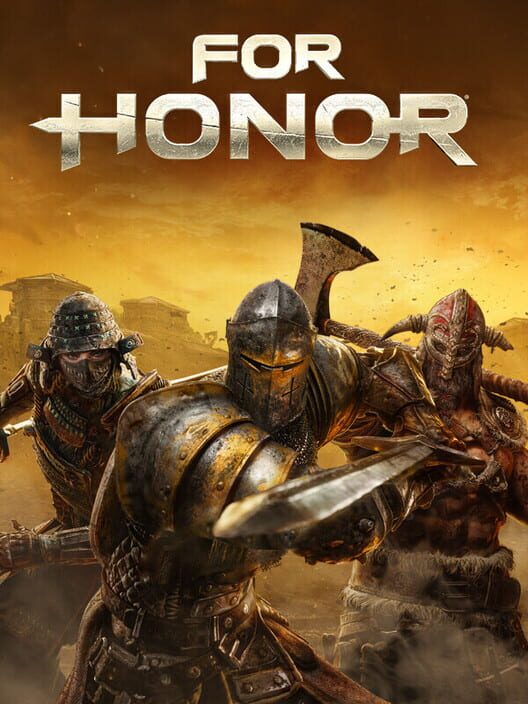

Forza Horizon 5
Full compatibility RacingActionOpen world
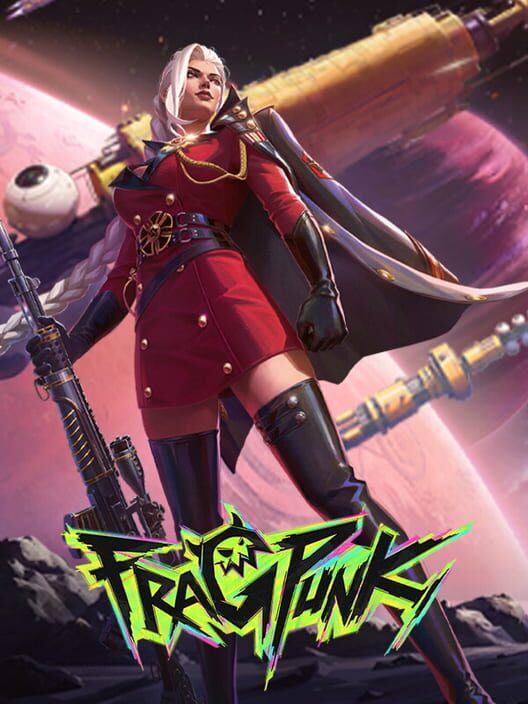
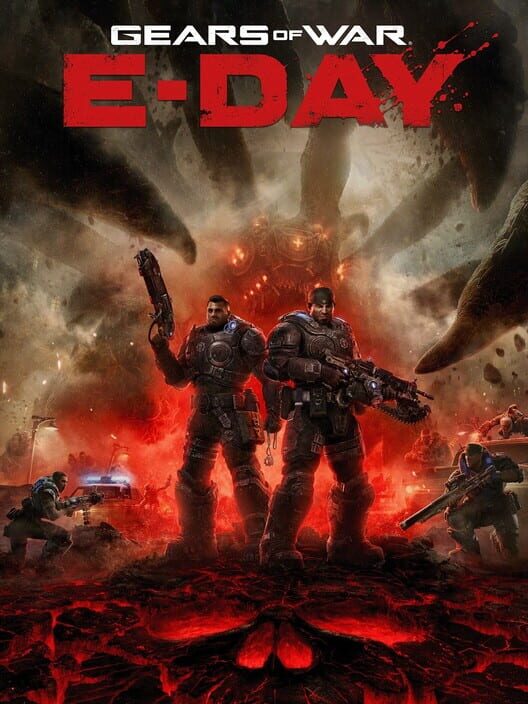
Gears of War: E-Day
Full compatibility ShooterAdventureActionScience fiction
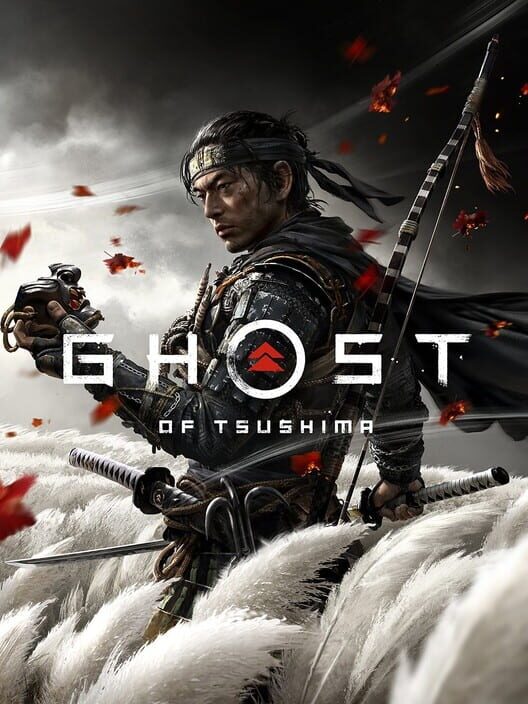
Ghost of Tsushima
Setup required Role-playing (RPG)Hack and slash/Beat 'em upAdventureAction
Granblue Fantasy: Relink
Partial compatibility Role-playing (RPG)Hack and slash/Beat 'em upAdventureAction

Grand Theft Auto Online
Partial compatibility ShooterAdventureActionComedy


Halloween: The Game
Full compatibility AdventureActionHorrorSurvival
Halo Infinite
Full compatibility ShooterAdventureActionScience fiction
Halo: Campaign Evolved
Full compatibility ShooterAdventureActionScience fiction
Halo: The Master Chief Collection
Setup required ShooterActionScience fictionWarfare
Helldivers 2
Full compatibility ShooterTacticalActionScience fiction
HOT WHEELS Infinite Rush
Partial compatibility RacingArcadeAction
It Takes Two
Partial compatibility PlatformPuzzleAdventureAction
Killing Floor 2
Partial compatibility ShooterActionScience fictionHorror

MARVEL Tōkon: Fighting Souls
Full compatibility FightingAction
Mecha BREAK
Full compatibility ShooterActionScience fictionWarfare
METAL GEAR SOLID V: THE PHANTOM PAIN
No compatibility ShooterTacticalAdventureAction
Minecraft Dungeons II
Full compatibility Role-playing (RPG)Hack and slash/Beat 'em upAdventureAction
Mistfall Hunter
Full compatibility Role-playing (RPG)AdventureActionFantasy
Monster Hunter Rise
Partial compatibility Role-playing (RPG)Hack and slash/Beat 'em upAdventureAction
Monster Hunter Wilds
Full compatibility Role-playing (RPG)Hack and slash/Beat 'em upAdventureAction
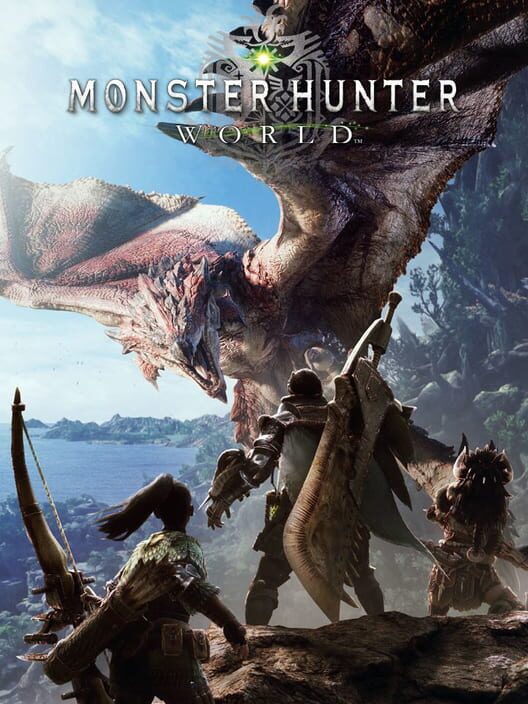
Monster Hunter: World
No compatibility Role-playing (RPG)Hack and slash/Beat 'em upAdventureAction
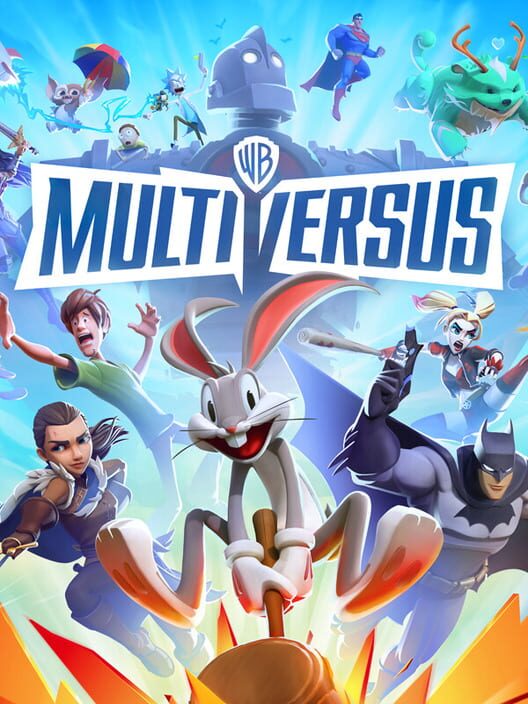
MultiVersus
No compatibility FightingActionFantasyScience fiction
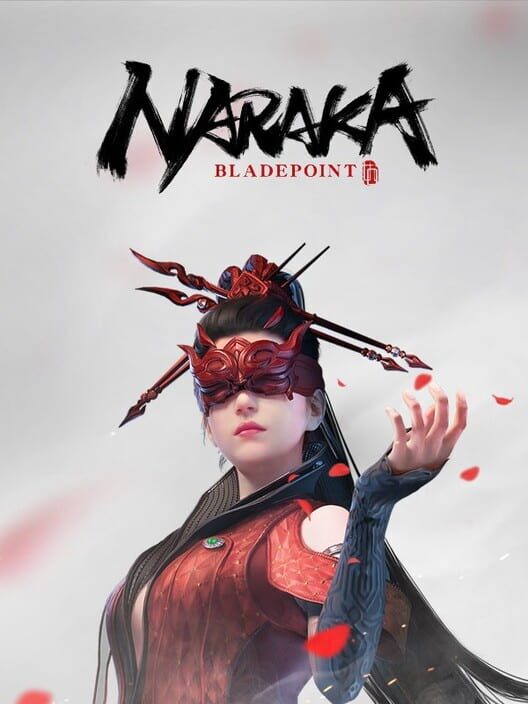
NARAKA: BLADEPOINT
Setup required FightingHack and slash/Beat 'em upActionSurvival
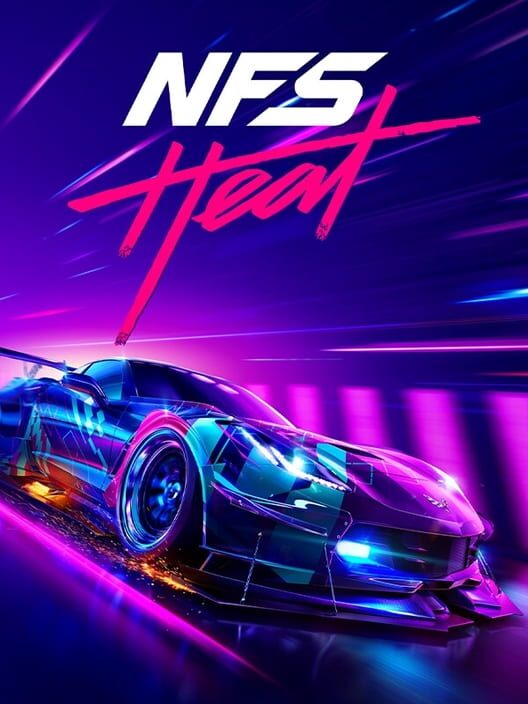
Need for Speed Heat
Likely RacingSportAdventureAction
Path of Exile 2
Full compatibility Role-playing (RPG)Hack and slash/Beat 'em upAdventureAction
PUBG: BATTLEGROUNDS
Partial compatibility ShooterActionSurvivalWarfare

Red Dead Redemption 2
Full compatibility ShooterRole-playing (RPG)AdventureAction
Remnant II
Setup required ShooterRole-playing (RPG)AdventureAction
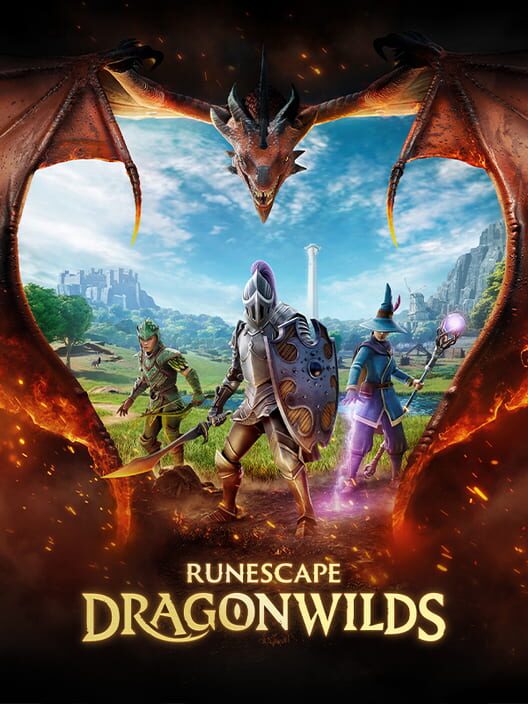
RuneScape: Dragonwilds
Full compatibility Role-playing (RPG)AdventureActionFantasy
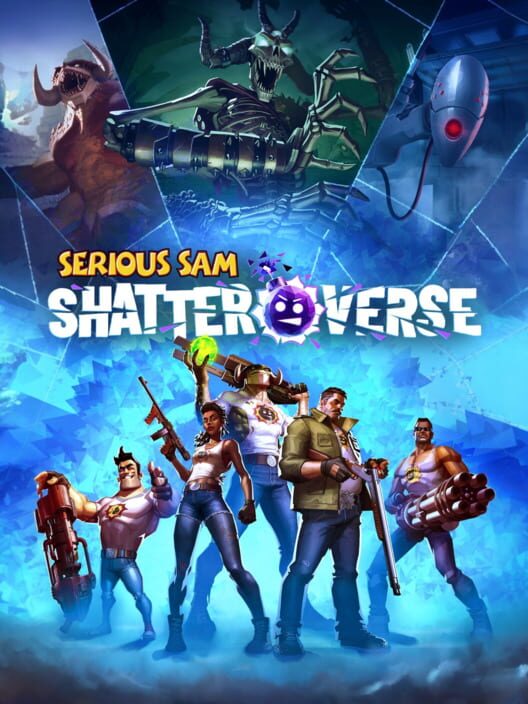
Serious Sam: Shatterverse
Full compatibility ShooterAdventureAction
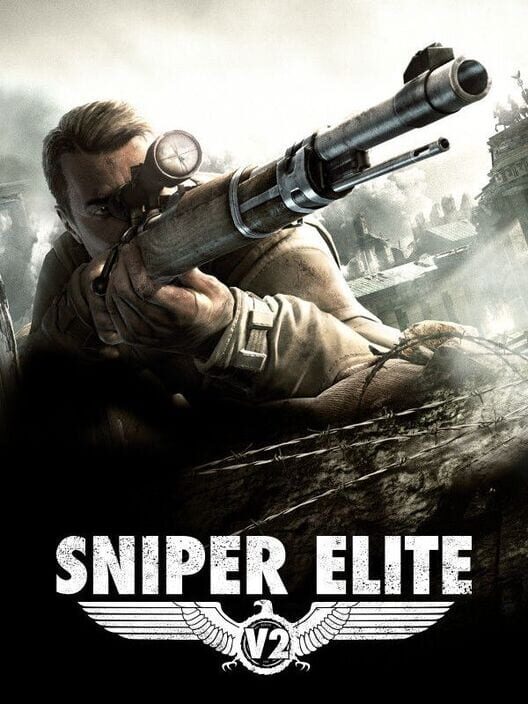
Sniper Elite V2
No compatibility ShooterTacticalActionHistorical
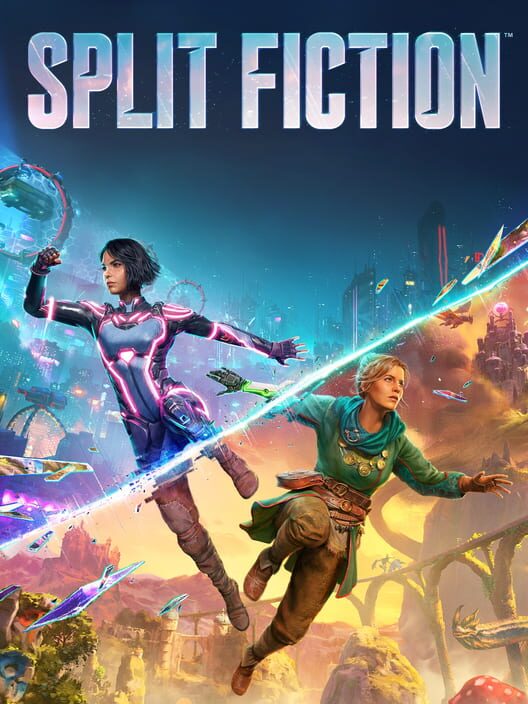
Split Fiction
Full compatibility PlatformPuzzleAdventureAction
Star Wars: Galactic Racer
Full compatibility RacingSportAdventureAction
Street Fighter 6
Setup required FightingArcadeActionFantasy
Subnautica 2
Full compatibility AdventureActionScience fictionSurvival
THE FINALS
Full compatibility ShooterAction
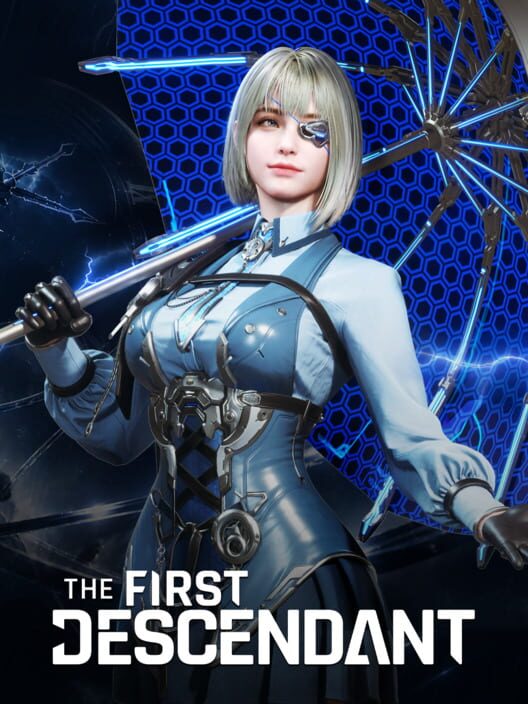
The First Descendant
Full compatibility ShooterRole-playing (RPG)AdventureAction
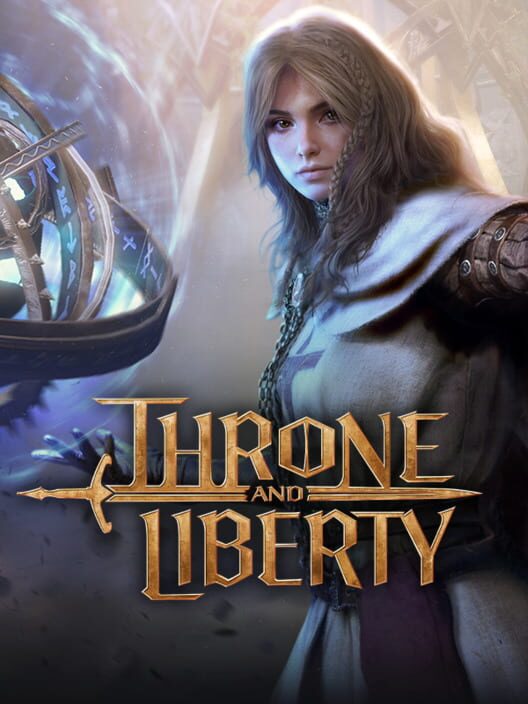
THRONE AND LIBERTY
Setup required Role-playing (RPG)AdventureActionFantasy
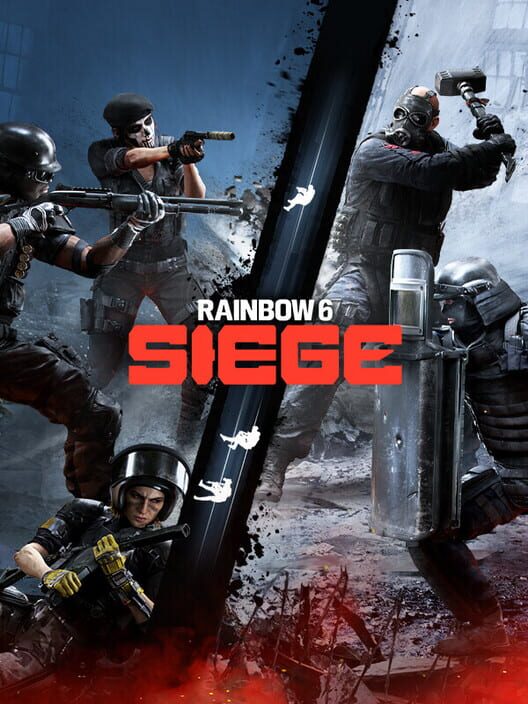
Tom Clancy’s Rainbow Six Siege
Partial compatibility ShooterTacticalActionWarfare
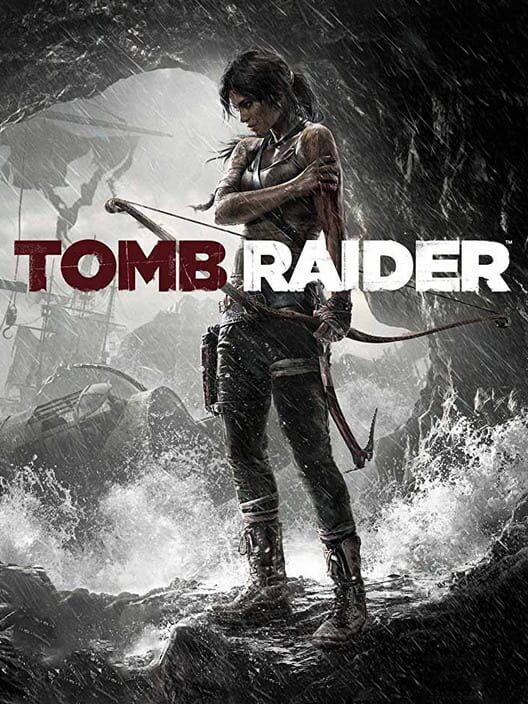
Tomb Raider (2013)
No compatibility ShooterPlatformPuzzleAdventure
Warhammer 40,000: Space Marine 2
Partial compatibility ShooterRole-playing (RPG)AdventureAction
Where Winds Meet
Setup required Role-playing (RPG)AdventureActionFantasy
Wo Long: Fallen Dynasty
Partial compatibility Role-playing (RPG)AdventureActionFantasy
No similar games currently match every selected platform and party-size requirement.
Browse connected directories
Also appears in
These links are generated only from verified compatibility paths and conservative party-size data.
Keep the guide accurate
Found a changed rule?
Official support pages, editions and network behaviour can change. Submissions enter a private verification queue and never overwrite a verdict automatically.